Photo memories
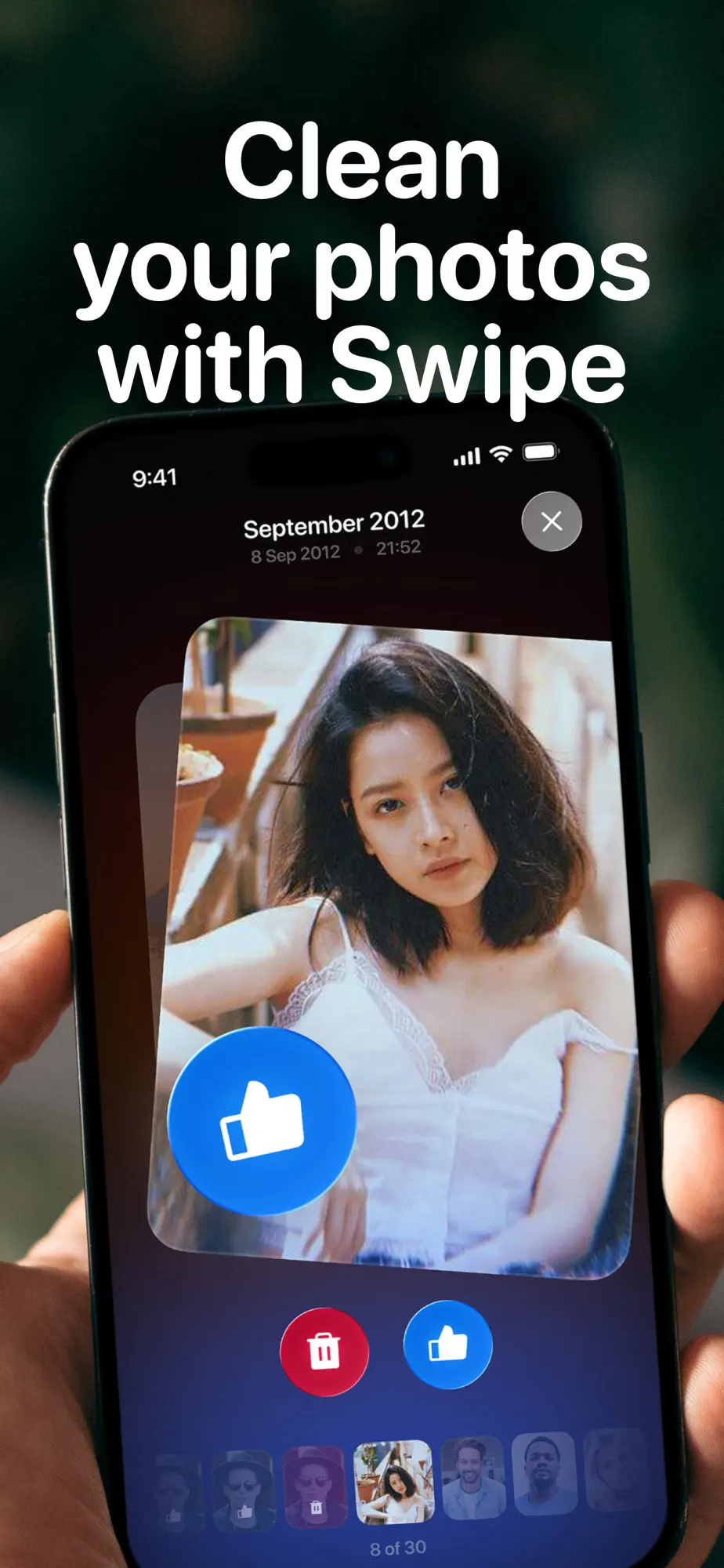
Swipe through your memories.
Revisit your photos by album, selected moments or by month and year, then keep or delete each one with a swipe.
- Albums, moments and timelines
- Keep or delete with one gesture
Utilities · iPhone & iPad
Cleanflow finds duplicate, similar and blurry photos, videos you no longer need and inbox clutter, then lets you decide what stays with a simple swipe.
Free on the App Store · iOS 17 or later
Features
Smart detection sorts through your library so you only have to make the final call.
Photo memories
Revisit your photos by album, selected moments or by month and year, then keep or delete each one with a swipe.
Duplicates
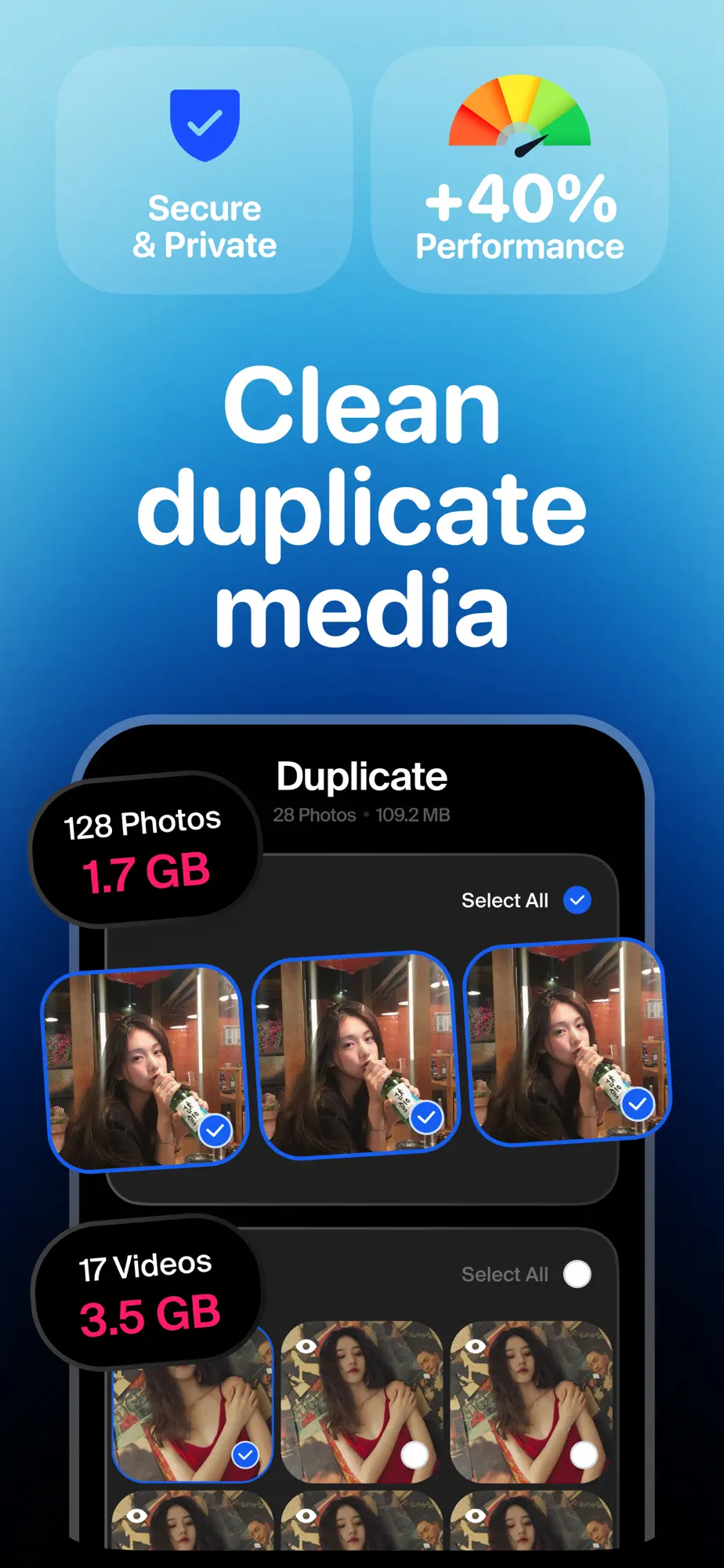
Cleanflow finds duplicate, similar and blurred photos, plus duplicate videos, short clips and screen recordings, so you keep the best and let the rest go.
Storage
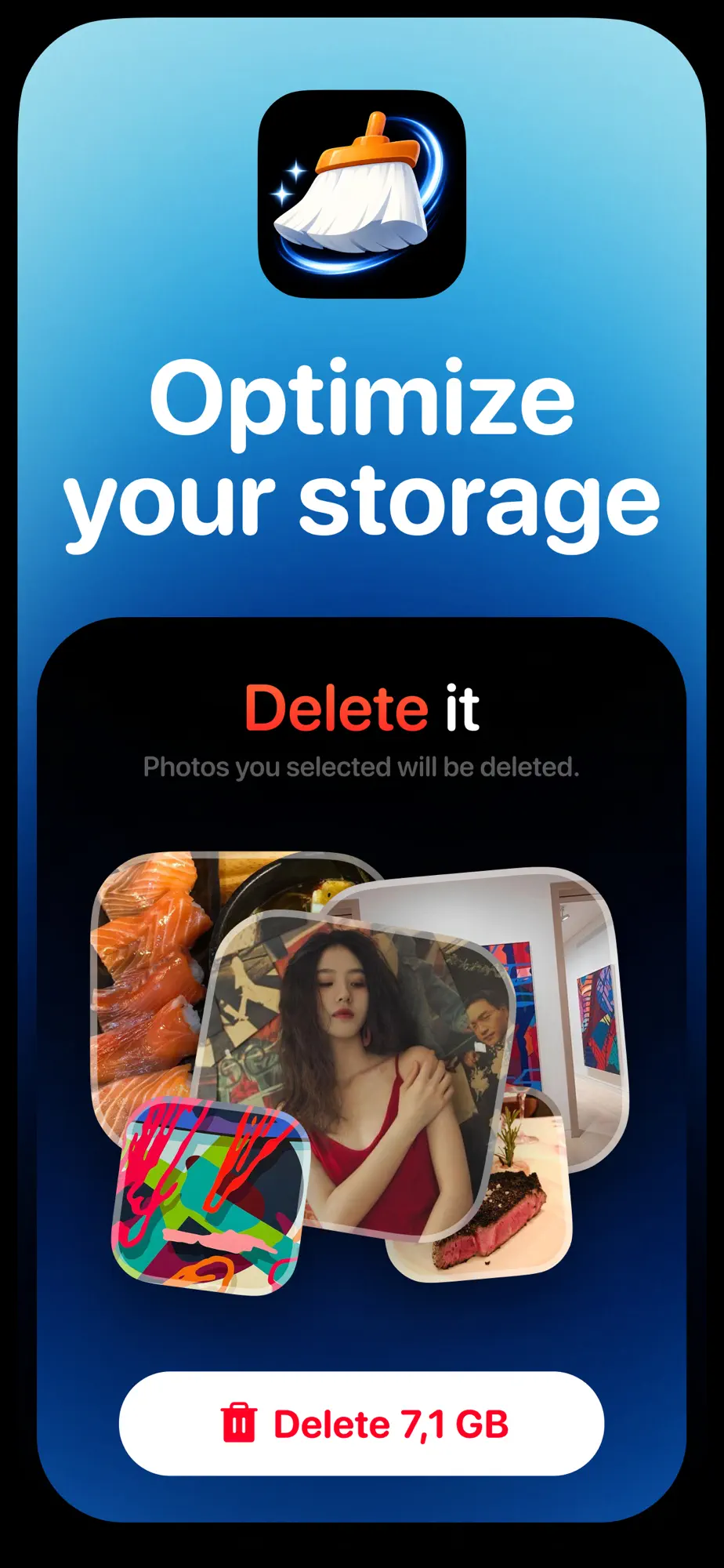
Review what Cleanflow found and free up storage in one step, without losing important content.
Mail cleanup
Cleanflow identifies junk, promotions and outdated messages so you can declutter your inbox in seconds.
FAQ
Something else on your mind? Write to oaomeraslan@gmail.com
Duplicate, similar and blurred photos; duplicate videos, short clips and screen recordings; and junk, promotions and outdated messages in Gmail.
Yes. You review what Cleanflow finds and decide what to keep or remove, photo by photo or in groups.
Mail cleanup works with Gmail.
An iPhone or iPad with iOS 17 or later. Cleanflow is free to download on the App Store.